
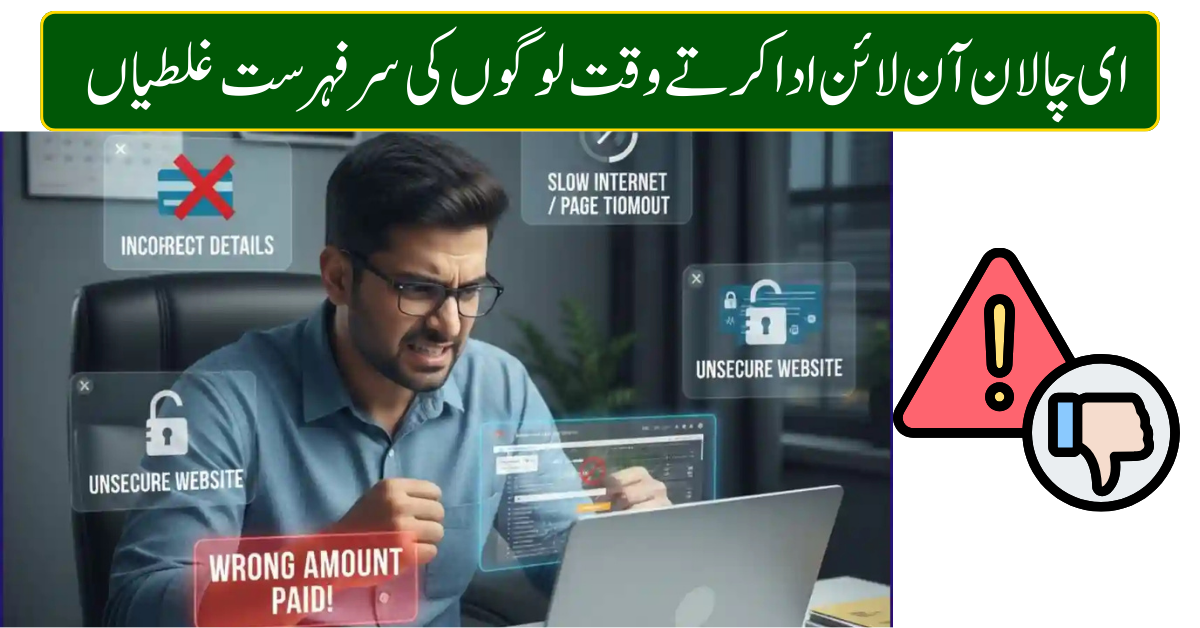
Paying an e-Challan online has become the easiest way for vehicle owners to clear traffic fines in Pakistan. With digital systems, camera-based enforcement, and online portals, drivers no longer need to visit traffic police offices or banks.
Despite this convenience, thousands of people still face problems every month due to small but serious mistakes while paying e-Challan online. These errors can result in duplicate payments, unresolved fines, blocked vehicle records, or even legal notices.
This detailed guide explains the top mistakes people make while paying e-Challan online, why they happen, and how you can avoid them in 2026.
Understanding the E-Challan System
An e-Challan is a digital traffic fine issued by the traffic police through surveillance cameras or manual entry. It is linked with:
- Vehicle registration number
- CNIC of the vehicle owner
- Driving license record
Once issued, the challan appears on official government portals and can be paid through online banking, mobile apps, or designated payment channels.
Because the system is automated, even a small user error can cause long-term issues.
Mistake #1: Entering an Incorrect Vehicle Number or CNIC
This is the most common e-Challan payment mistake.
A single wrong digit can:
- Display someone else’s challan
- Clear the wrong fine
- Leave your own challan unpaid
How to avoid it
- Carefully recheck the vehicle number and CNIC
- Match the challan details with the SMS or the official notice
- Never copy-paste blindly
Mistake #2: Paying Through Fake or Unofficial Websites
Online scams have increased, especially fake portals that look similar to government websites.
These fake platforms may:
- Steal debit or credit card details
- Deduct money without updating the challan status
- Disappear after payment
How to avoid it
- Use official traffic police or government portals only
- Avoid links from WhatsApp, Facebook, or unknown emails
- Check for HTTPS and correct domain names
Mistake #3: Not Reviewing Challan Details Before Payment
Many users rush to pay without checking important information, such as:
- Violation date and time
- Location of offence
- Vehicle image (if available)
- Actual fine amount
This can lead to paying duplicate or incorrect challans.
How to avoid it
- Read the complete challan details
- Confirm the violation belongs to your vehicle
- Keep screenshots for reference
Mistake #4: Paying Twice Due to Slow Internet
Slow internet or server delays often confuse users.
Common scenario:
- Payment is successful
- Confirmation page loads slowly
- User retries payment
- Money gets deducted twice
How to avoid it
- Wait patiently after clicking “Pay”
- Check the bank SMS or app before retrying
- Never refresh or press back during a transaction
Mistake #5: Not Saving the Payment Receipt
Many people close the browser immediately after payment.
Later, if the challan still appears unpaid, they have no proof.
How to avoid it
- Download the payment receipt
- Take a screenshot of the confirmation
- Save bank SMS and email alerts
Mistake #6: Paying After the Due Date
Every e-Challan comes with a deadline.
Late payment may result in:
- Increased fine
- Court notice
- Vehicle record blockage
How to avoid it
- Pay the challans as soon as possible
- Set mobile reminders
- Check pending challans regularly
Mistake #7: Ignoring Old or Pending E-Challans
Some drivers believe unpaid challans will expire automatically. They don’t.
Unpaid challans can:
- Accumulate penalties
- Block vehicle transfer
- Affect driving license renewal
How to avoid it
- Check the challan status monthly
- Clear old fines immediately
- Keep the traffic record clean
Mistake #8: Using Someone Else’s Bank Card Carelessly
Using a friend’s or family member’s card without proper coordination can cause problems if:
- Transaction fails
- Refund is required
- The cardholder disputes the payment
How to avoid it
- Use your own bank account when possible
- Inform the cardholder beforehand
- Save the transaction reference number
Mistake #9: Not Updating Contact Information
Outdated mobile numbers or emails in vehicle records mean:
- No challan alerts
- Missed payment reminders
- Surprise fines later
How to avoid it
- Update contact details with vehicle registration records
- Use an active mobile number
- Enable SMS and email notifications
Mistake #10: Assuming Payment Is Complete Without Verification
Bank deduction does not always mean challan clearance.
Sometimes:
- The bank processes the payment
- Portal fails to update status
- Challan remains unpaid
How to avoid it
- Recheck the challan status after payment
- Match the receipt number with the portal record
- Contact official support if the status doesn’t update
Why Paying E-Challan Correctly Matters
Avoiding these mistakes helps you:
- Save money
- Prevent legal trouble
- Maintain a clean driving history
- Avoid unnecessary stress
- Save time and effort
Online payment is safe only when done carefully.
Final Thoughts
Paying e-Challan online in 2026 is fast, convenient, and reliable—but only if you stay alert. Most problems arise from simple mistakes like wrong data entry, rushing payments, or trusting unofficial websites.
A few extra seconds of verification can save you from fines, refunds, and legal complications. Always use official portals, keep your records updated, and confirm payment every time.
Frequently Asked Questions
What happens if I enter the wrong vehicle number?
Your payment may go to another challan, leaving your fine unpaid.
Is online e-Challan payment safe?
Yes, if you use official government portals only.
How do I confirm a successful payment?
Check receipt, bank SMS, and challan status online.
Can duplicate payments be refunded?
Yes, but refunds take time and require proof.
What if the challan still shows unpaid?
Contact official support with the transaction ID and receipt.